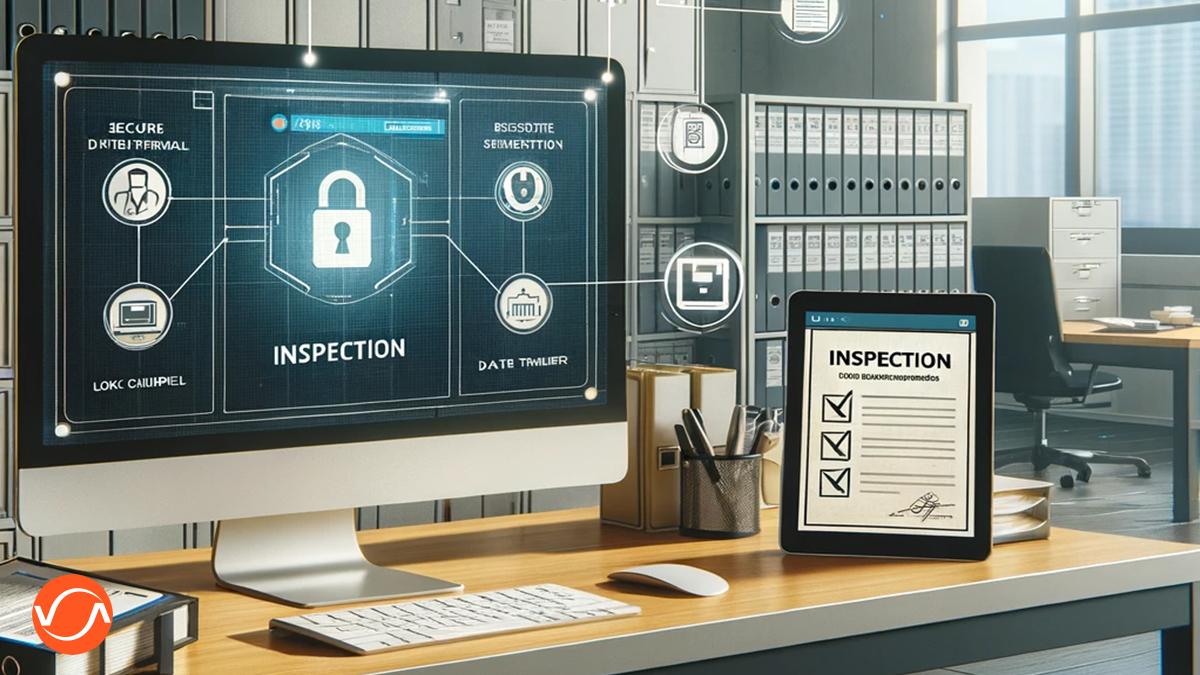
Verify applicants, assets, and collateral before you approve or fund.
Use Virtual Inspections Software to give underwriting and risk teams confidence that people, locations, and assets are real, reduce site visits, speed up reviews, and stop fraudulent applications before they even reach your book.
Remote Virtual Inspections for Trusted Asset, Identity, and Collateral Verification
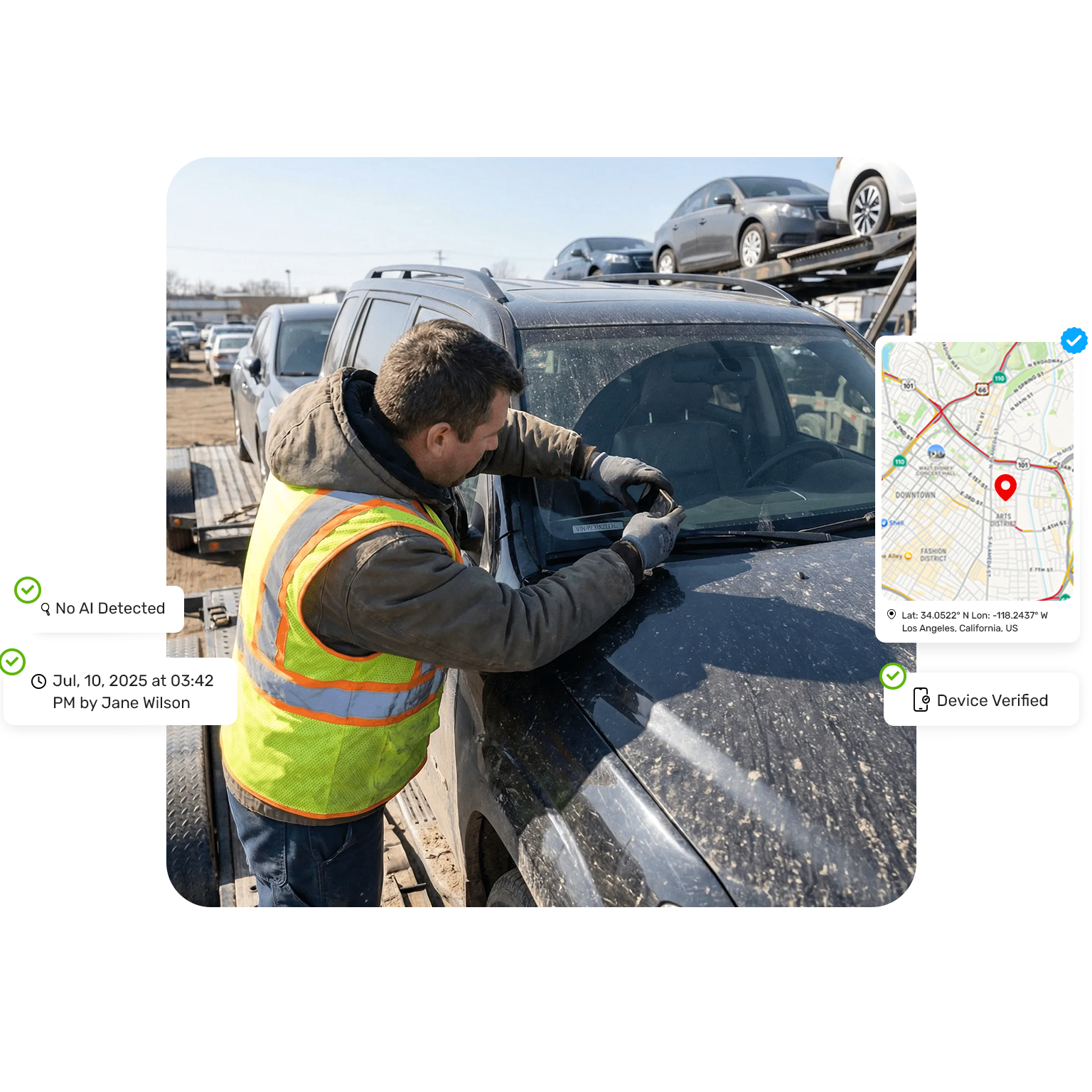
Use VLX remote virtual inspections to see the real person, place, and asset behind every application.
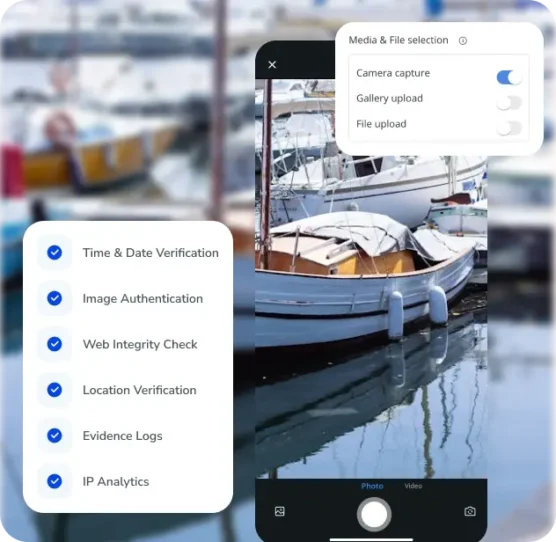
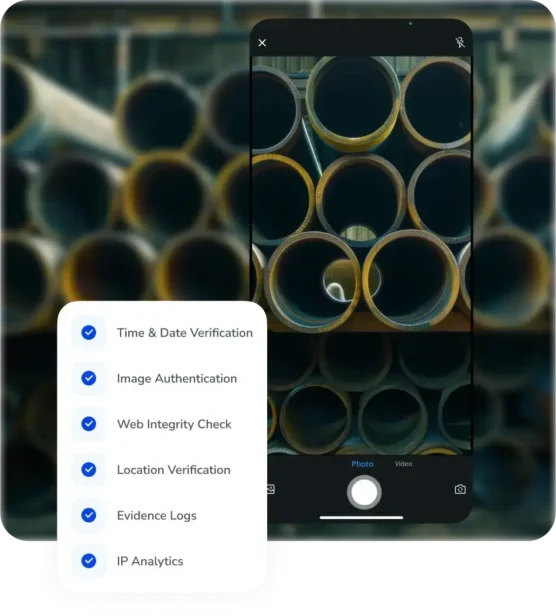
Capture live photos and video with locked camera capture and time and location verification so risk and underwriting teams can confirm what is real, flag red flags early, and keep every review fully documented for audits.
Virtual Inspection App for Faster, Fraud-Resistant Borrower and Vendor Reviews
The VLX virtual inspection app guides borrowers, vendors, and field examiners through structured checklists while capturing tamper-resistant evidence and auto-building audit-ready reports in minutes.
This standardizes how you collect proof across partners, cuts back-and-forth on missing photos, and gives credit and risk teams the documentation they need to approve with confidence.
Advanced Virtual Inspection Features for Trusted Evidence and Audit-Ready Oversight
Capture verifiable site conditions, streamline how evidence is collected, and maintain a complete digital trail so operations, risk, and audit teams can review every inspection with clarity and confidence.
Inspection Checklist Software That Standardizes Every Review
Use digital checklists tocapture the right details every time and keep inspections organized by asset, account, or site.
Inspection Report Software for Decision-Ready Evidence
Turn photos, notes, and metadata into clear, branded reports your teams can review in minutes.
Inspection Tracking That Keeps Every Detail Visible
See inspection status in real time and keep every record tied to the right asset or location.
Virtual Inspections Software - Use Cases
From asset verification to supplier validation, conduct trusted, standardized virtual inspections across any workflow.
Condition Assessments
Capture current site and equipment condition remotely with photo and video evidence.
Due Diligence & Property Surveys
Survey properties remotely for acquisitions, leasing, and risk reviews using visual documentation.
Asset Verification
Confirm that high-value assets exist where they should, with verifiable visual proof.
Safety & Compliance Audits
Run standardized, geotagged checklists to prove safety and regulatory compliance.
Damage & Claim Inspections
Document damage with guided photo and video capture to speed up claim decisions.
Vendor & Supplier Validation
Verify vendors and suppliers on site with real-time images, location checks, and tamper-resistant capture.
Quality Assurance Checks
Verify work quality or repairs with consistent photo evidence and scored checklists.
Collateral & Loan Inspections
Perform remote collateral reviews with time-stamped proof and audit-ready reports that lenders can trust.
Measurable Benefits Powered by
Virtual Inspections
Virtual inspections help teams see real conditions without sending someone onsite. By capturing accurate evidence remotely, lenders and operators report major gains in time savings, fewer field visits, faster issue resolution, and lower overall costs.
A virtual inspection is a process where an asset (e.g. property, vehicle, inventory) is evaluated remotely using digital tools such as photos or videos. Instead of an in-person visit, the inspection is conducted online, allowing an inspector to assess condition, verify details, and identify visible issues without being physically present.
What types of inspections can be done virtually?
Many types of inspections can be completed virtually, especially those that rely on visual verification and documentation. These include preliminary property assessments, continuous collateral validations, progress inspections, routine check-ins, damage evaluations, follow-up inspections, etc.. Virtual inspections are typically conducted through photos, or recorded footage, allowing inspectors to review conditions remotely while ensuring efficiency and convenience.
Is virtual inspection software secure?
Yes, virtual inspection software is secure. Reputable virtual inspection solutions use industry-standard security measures such as data encryption, secure cloud infrastructure, and strict access controls to protect user information. In addition, these platforms are designed to comply with relevant data protection regulations, ensuring that inspection data, images, and communications remain confidential and protected throughout the entire process.
How does a virtual asset inspection work?
A virtual asset inspection is a remote evaluation of your asset conducted using photos or videos. Instead of bringing the asset to a physical location or dispatching an inspector, the owner of the asset follows simple instructions to capture images or video of key areas to be validated remotely.
How do I prepare to dispatch a virtual inspection on VLX?
To dispatch a virtual inspection in VLX:
Create or select the inspection template
Create the inspection and generate a share link or email invite
Send the link to the person completing the inspection
The recipient opens the link, accesses the inspection in the VLX app, and completes it remotely.
How do I conduct a virtual inspection on VLX?
To complete a virtual inspection in VLX:
Open the inspection link that was shared with you
Launch the inspection in the VLX mobile app
Follow the fields in the inspection form
Capture the requested data, photos, or documents
Mark the inspection as completed when finished
All data is saved to the inspection record for review.
Our Blog & News
Insights on industry trends, use cases, and media releases.
We use cookies and similar technologies to improve your experience. With your consent, we may process data like browsing behavior or unique IDs. If you don’t consent or withdraw consent, some features may not work properly.
Functional
Always active
The technical storage or access is strictly necessary for the legitimate purpose of enabling the use of a specific service explicitly requested by the subscriber or user, or for the sole purpose of carrying out the transmission of a communication over an electronic communications network.
Preferences
The technical storage or access is necessary for the legitimate purpose of storing preferences that are not requested by the subscriber or user.
Statistics
The technical storage or access that is used exclusively for statistical purposes.The technical storage or access that is used exclusively for anonymous statistical purposes. Without a subpoena, voluntary compliance on the part of your Internet Service Provider, or additional records from a third party, information stored or retrieved for this purpose alone cannot usually be used to identify you.
Marketing
The technical storage or access is required to create user profiles to send advertising, or to track the user on a website or across several websites for similar marketing purposes.